DEF-036 — Dashboard: ‘View All’ button on Live Activity Feed does not navigate
DEF-036 — Dashboard: “View All” button on Live Activity Feed does not navigate
Summary
The View All button on the Live Activity Feed widget on the dashboard is non-functional. Clicking it has no visible effect — the page URL does not change, no modal or drawer opens, and the feed is not expanded. The button should navigate to the Activity Logs page (/admin/activity-logs) to allow admins to view the full audit trail.
Environment
- URL:
https://project6.dxtserver.com/drivelink_new/public/dashboard - Module: Admin Panel — Dashboard → Live Activity Feed
- Date Reported: 2026-06-17
- Browser: Chromium (Playwright)
- Testing Phase: Admin Panel — Section 1: Dashboard (test case DB-06)
Screenshots
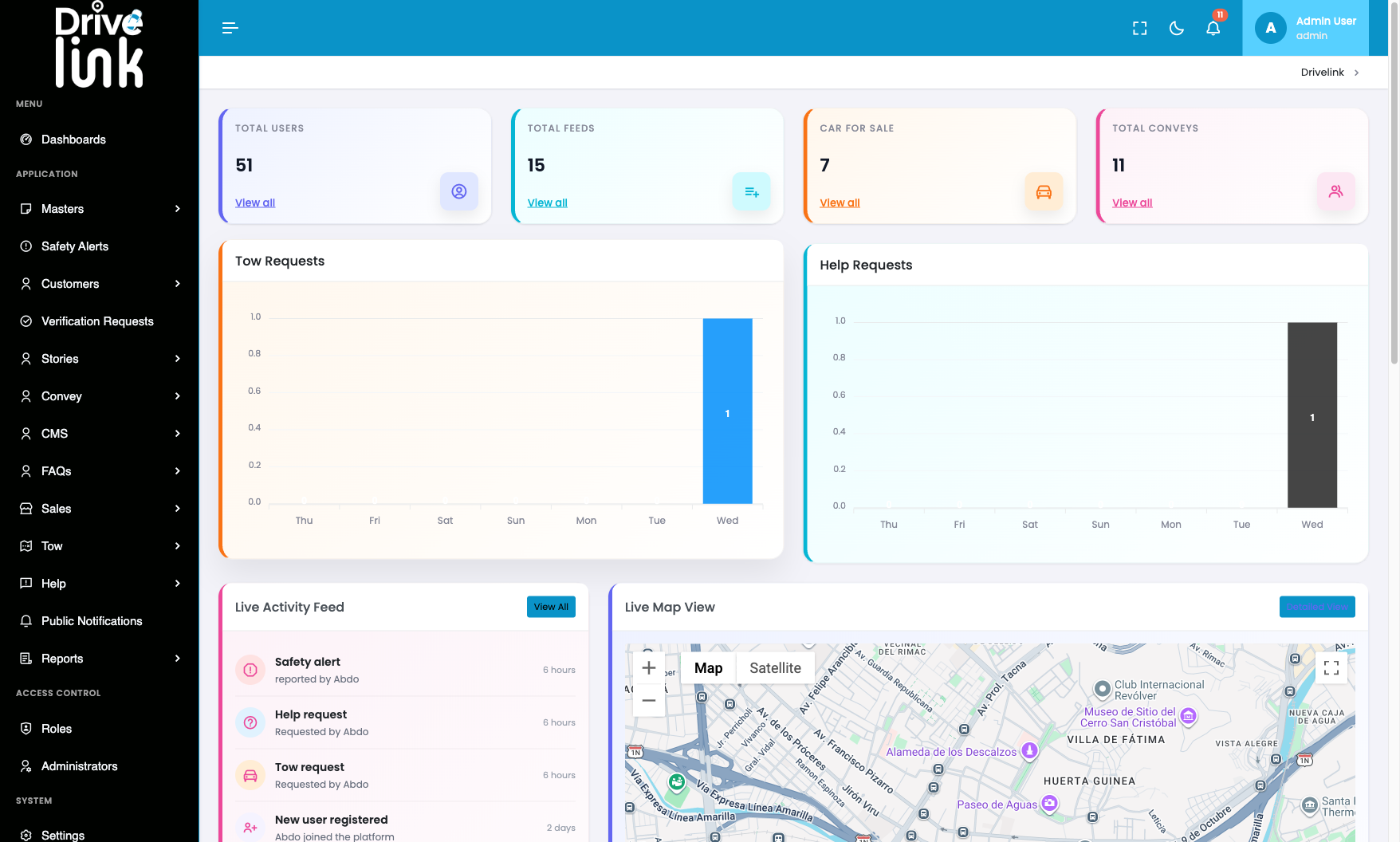
Dashboard with Live Activity Feed “View All” button visible (before click):
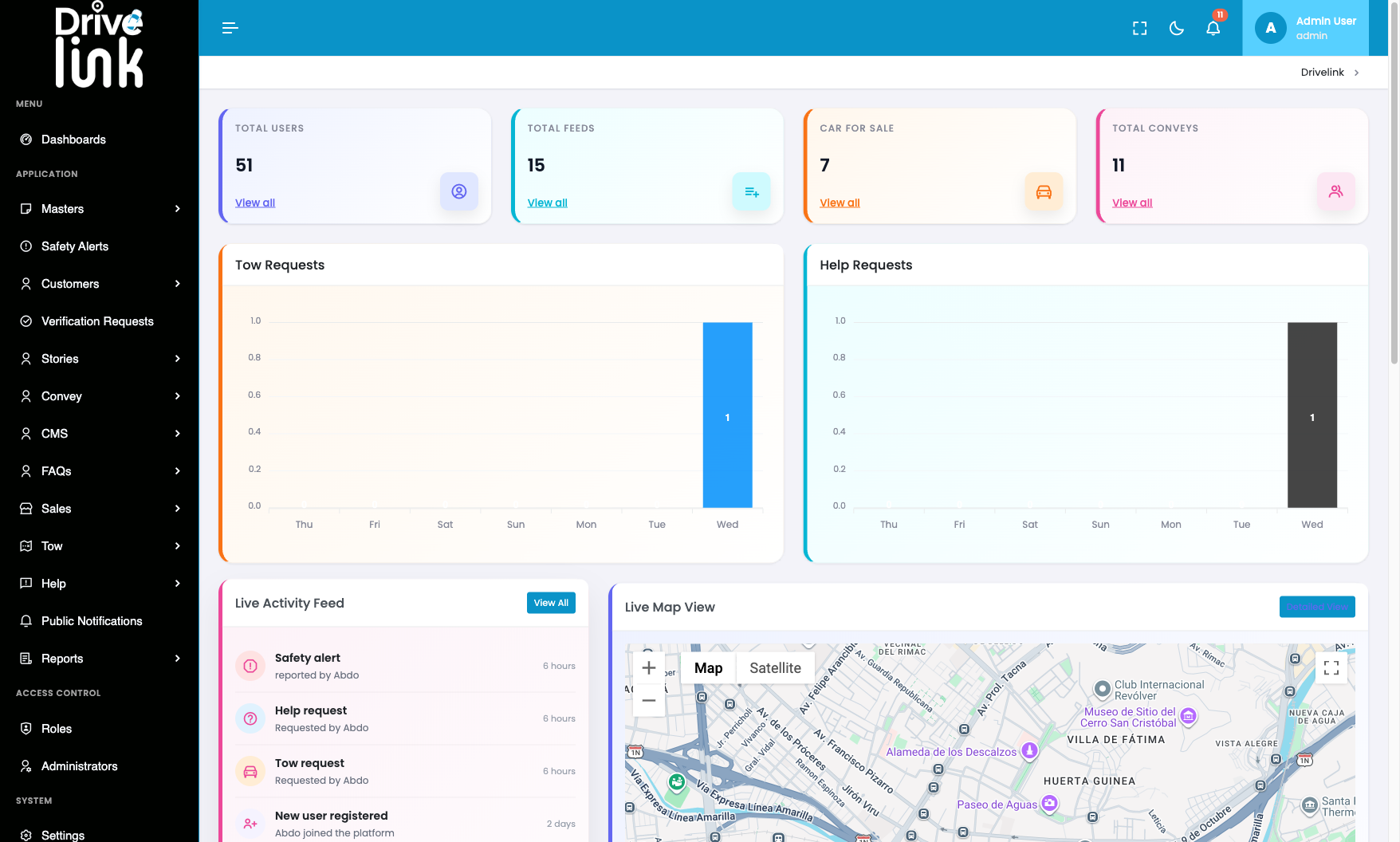
After clicking “View All” — page unchanged, no navigation occurred:
The URL remained
https://project6.dxtserver.com/drivelink_new/public/dashboardafter clicking. No modal, drawer, or overlay appeared. The button produced no visible result.
Steps to Reproduce
- Log in to the Admin Panel.
- Navigate to the Dashboard (
/dashboard). - Scroll down to the Live Activity Feed widget.
- Click the View All button (teal, top-right of the widget).
- Observe the page.
Expected Behaviour
Clicking View All should navigate the admin to the Activity Logs page (/admin/activity-logs), where the full chronological list of system events is shown.
Actual Behaviour
Nothing happens. The URL stays at /dashboard, no navigation occurs, and no overlay or modal opens. The button is rendered as a <button> element with no href, and its click handler either does not exist or silently fails.
Impact
- Admins cannot quickly jump to the full activity log from the dashboard summary widget.
- The “View All” pattern is used consistently on other dashboard widgets (Recent Broadcasts → Public Notifications, Feed Overview → Stories) — Live Activity Feed is the only one that does not work.
Severity
Medium — Navigation shortcut is broken; admins can still reach Activity Logs via the sidebar.
Priority
Medium
Status
New
Reported By
QA / Testing Team