DEF-017 — Admin Panel: Full Page Reload on Every Navigation Click
DEF-017 — Admin Panel: Full Page Reload on Every Navigation Click
Summary
Every navigation action in the admin panel (clicking a sidebar link, menu item, or any internal link) triggers a complete full-page HTTP reload. The entire HTML document, sidebar, header, stylesheets, JavaScript bundles, and fonts are re-fetched from the server on every click. The panel behaves like a collection of static HTML pages rather than a modern admin dashboard. There is no client-side routing, no SPA navigation, and no partial page update mechanism in place.
Environment
- URL: https://project6.dxtserver.com/drivelink_new/public/
- Module: Admin Panel — Global Navigation
- Date Observed: 2026-05-16
- Browser: Chrome
- Viewport: 1440×900px
Evidence — No Client-Side Routing Framework
Framework detection on the dashboard page returned:
| Framework | Detected |
|---|---|
| Vue.js | ❌ No |
| React | ❌ No |
| Angular | ❌ No |
| Livewire | ❌ No |
| Inertia.js | ❌ No |
| Turbo / Turbolinks | ❌ No |
| jQuery | ✅ Yes |
| Alpine.js | ❌ No |
Screenshots
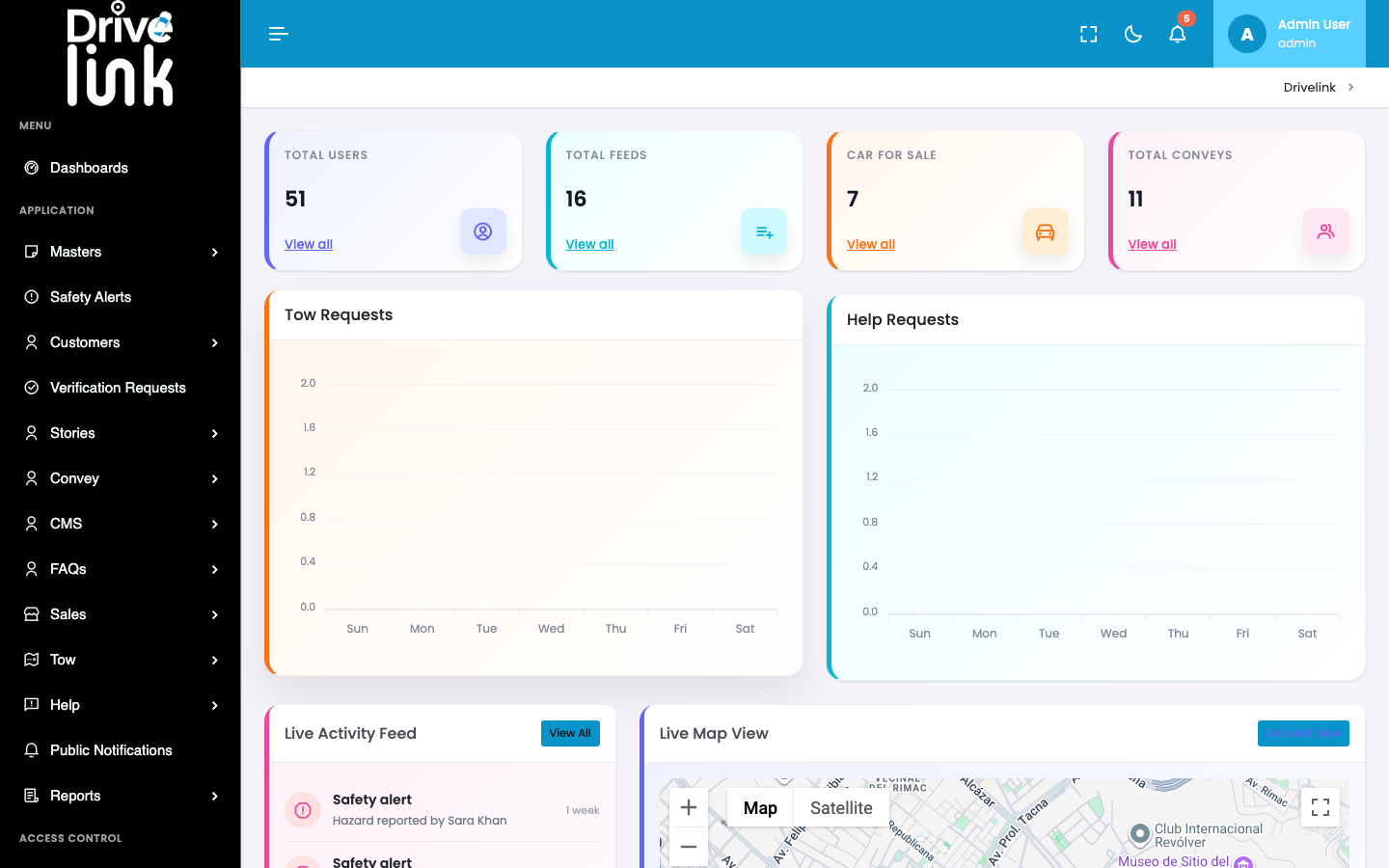
Dashboard (page load state)
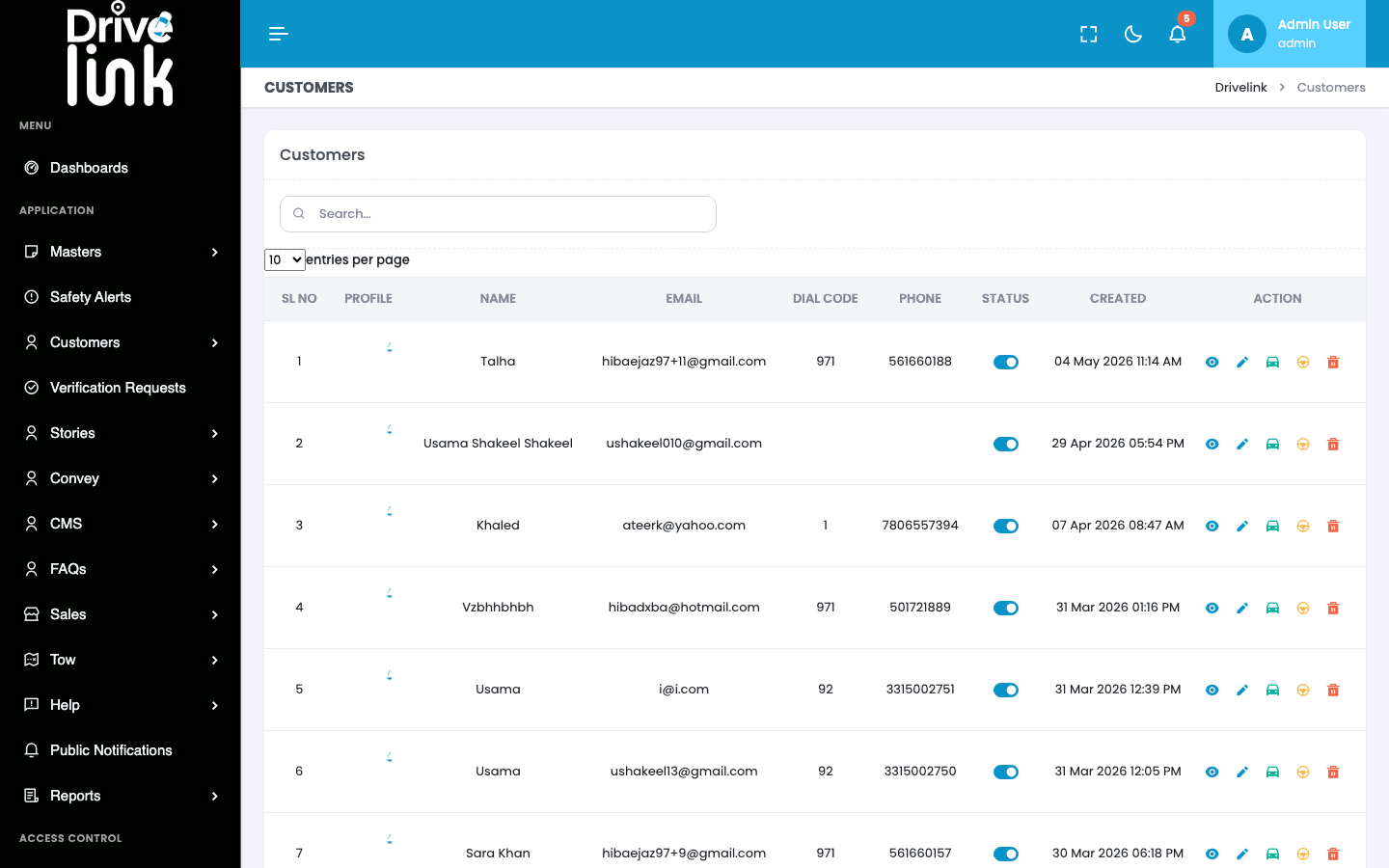
Customers page (full reload — sidebar re-rendered)
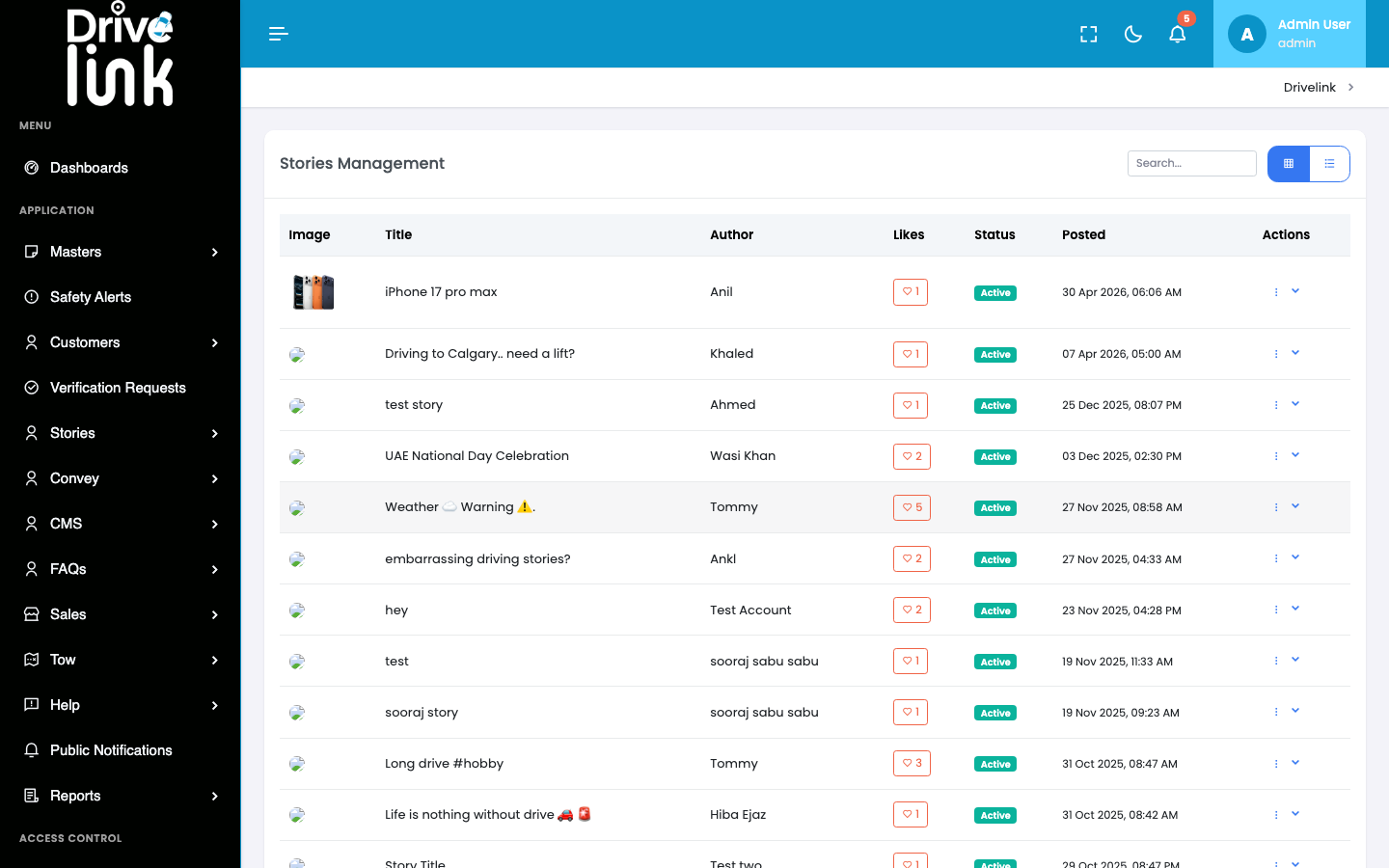
Stories page (full reload — sidebar re-rendered)
Safety & Hazard page (full reload — sidebar re-rendered)
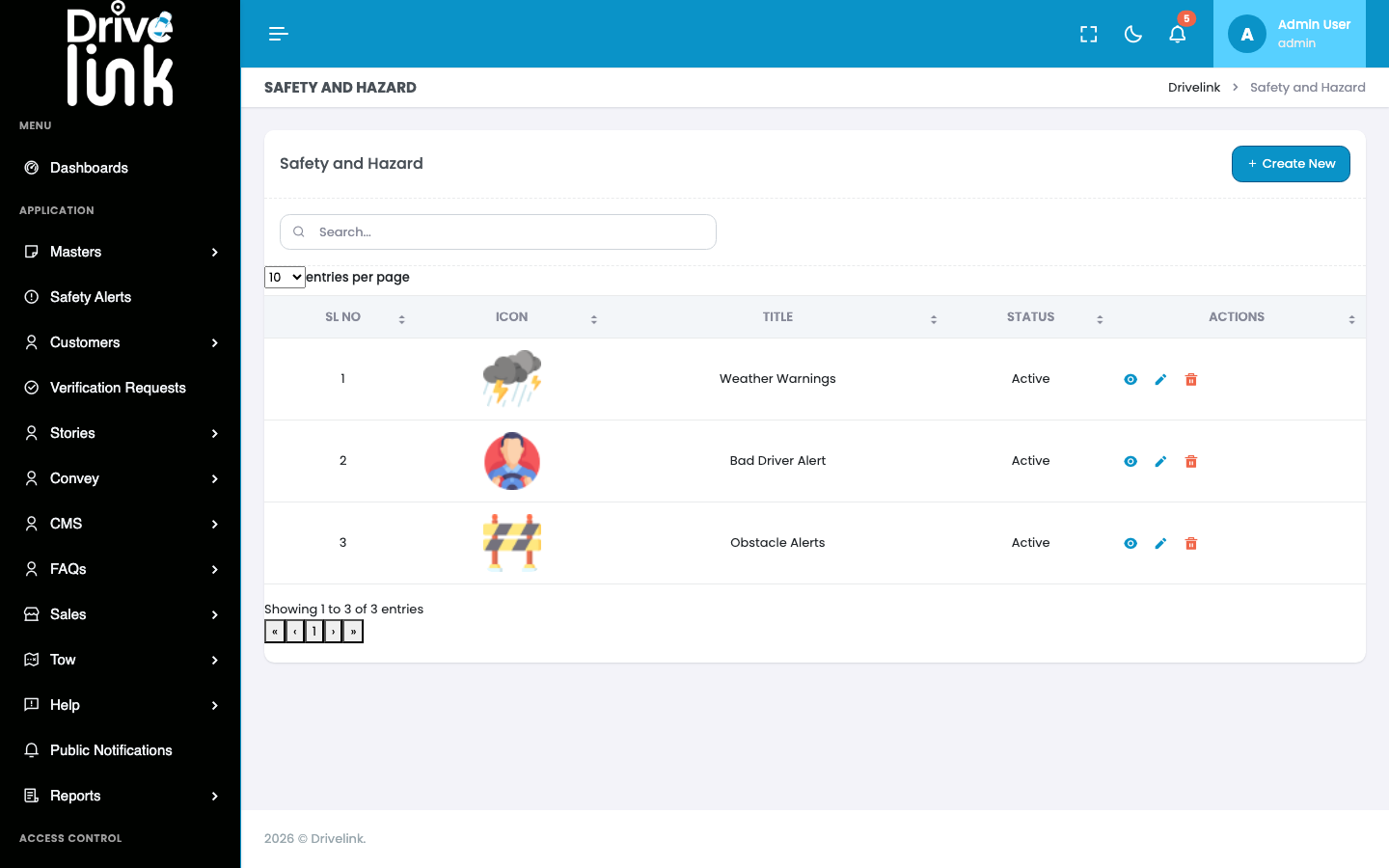
Each screenshot shows the entire admin shell (header, sidebar, content) being fully re-rendered from scratch, confirming a complete DOM rebuild on every click.
Steps to Reproduce
- Log in to the Admin Panel
- Click any sidebar navigation item (e.g. “Customers”)
- Observe the browser tab: the page title flashes, the loading spinner appears, and the entire page repaints — including the sidebar, header, and all layout elements
- Repeat for any other sidebar item — the full-page flash/repaint occurs every time
- Open DevTools → Network tab → observe 55–80 HTTP requests on each navigation including complete CSS and JS bundle re-downloads
Expected Behaviour
In a modern admin dashboard, navigation between sections should use one of: - SPA routing (React Router, Vue Router) — zero server round-trip for navigation - Turbo / Turbolinks — fetches only the new page’s <body>, swaps it in, keeps the persistent shell intact — eliminates the visual flash - Inertia.js — bridges Laravel with a JavaScript frontend for seamless navigation - AJAX partial updates — only the main content area is replaced, not the whole page
The sidebar, header, and asset bundles should not be re-downloaded on every click.
Actual Behaviour
- Every navigation click causes a full HTTP GET request for a new HTML document
- The browser discards the entire current DOM and rebuilds it from scratch
- All CSS, JS, fonts, and external API scripts are re-requested on every navigation (subject to browser cache, but still re-evaluated)
- There is a visible page flash / white screen between navigations
- The sidebar accordion state (expanded/collapsed sections) resets on every navigation, forcing the user to re-expand sections repeatedly
- The overall feel is of navigating between separate static HTML pages, not a unified admin panel
Root Cause
The admin panel is a traditional Laravel MVC application using server-side Blade templates with full page rendering. There is no client-side routing or partial-page-update technology in use. Each route maps to a full Blade layout render.
Impact
- UX / Performance: Every navigation incurs ~50–80 HTTP requests. Even with browser caching, all JS must be re-parsed and re-executed. The Google Maps API and Firebase SDK are re-initialised on every page.
- Visual regression: The page flashes white between navigations — jarring for admin users who navigate frequently
- State loss: Sidebar accordion state resets; DataTable filters/search reset; scroll position lost
- Perceived quality: The panel feels unpolished and slow compared to industry-standard admin dashboards
- Google Fonts / external requests: Every navigation re-fires external network requests to Google (Fonts API, Maps API) adding latency
Severity
High — This is a fundamental architectural UX issue affecting every single interaction in the admin panel. It degrades perceived performance, visual polish, and usability for every admin user session.
Priority
High — Should be addressed before production release. Visible to all administrators on every click.
Affected Scope
All pages in the admin panel — this issue affects every navigation action across the entire admin interface.
Reported By
QA / Testing Team
Status
Open