DEF-015 — Admin Sidebar: Bottom Navigation Items Not Reachable (Scroll Not Functioning)
DEF-015 — Admin Sidebar: Bottom Navigation Items Not Reachable (Scroll Not Functioning)
Summary
The admin panel sidebar navigation menu contains more items than fit within the visible viewport height. The sidebar uses the SimpleBar custom scrollbar library to enable scrolling, but the scroll functionality does not respond to normal mouse wheel or trackpad input. As a result, 5 navigation items in the ACCESS CONTROL and SYSTEM sections are permanently hidden and inaccessible to admin users.
Environment
- URL: https://project6.dxtserver.com/drivelink_new/public/admin/stories (reproduced on all admin pages)
- Module: Admin Panel — Global Sidebar Navigation
- Date Observed: 2026-05-16
- Browser: Chrome
- Viewport: 1440×900px
Screenshots
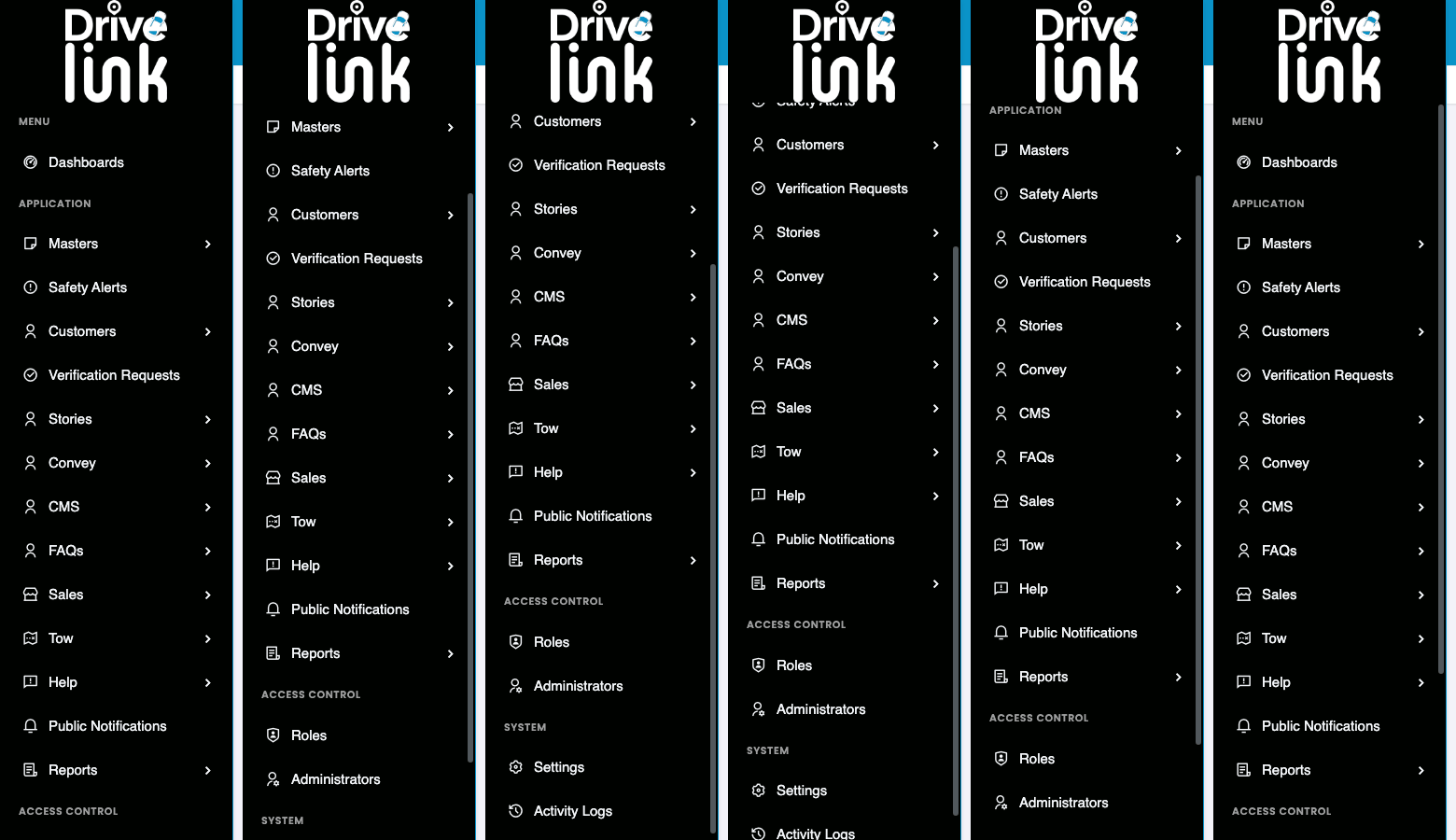
Before scroll — bottom items cut off (normal viewport view)
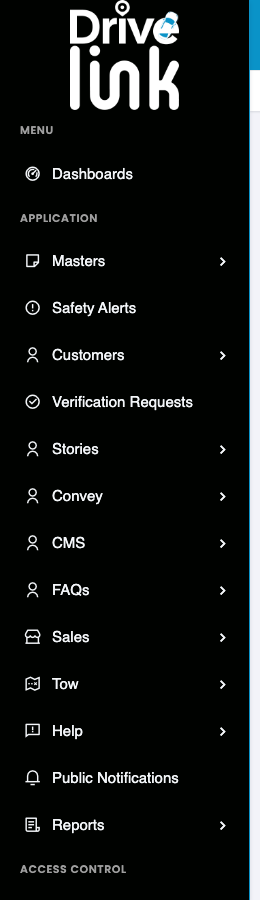
The sidebar renders items down to the ACCESS CONTROL heading, which itself is cut off. No items below it are visible or accessible.
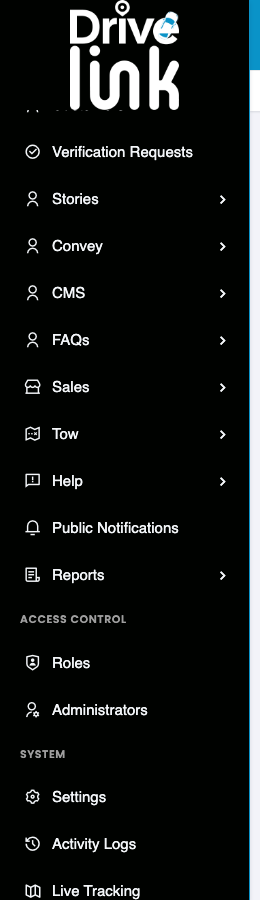
Steps to Reproduce
- Log in to the Admin Panel at https://project6.dxtserver.com/drivelink_new/public/
- Observe the left sidebar navigation
- Scroll the sidebar using a mouse wheel or trackpad
- Observe that the sidebar does not scroll — items below Reports (under ACCESS CONTROL) are never visible
Expected Behaviour
- The sidebar should scroll smoothly when the user hovers over it and uses the mouse wheel or trackpad
- All navigation items should be reachable including: Roles, Administrators, Settings, Activity Logs, Live Tracking
- A visible scrollbar indicator should appear on hover to signal that more content exists below
Actual Behaviour
- The sidebar renders content 1055px tall inside a container that is only 805px tall
- The SimpleBar custom scroll container (
simplebar-content-wrapper) hasoverflow-y: scrollset but does not respond to user scroll input - The “ACCESS CONTROL” section heading is visible at the bottom of the viewport, but all items under it are clipped
- The Roles, Administrators, Settings, Activity Logs, and Live Tracking items are completely inaccessible
- No scrollbar thumb/track is visible in the sidebar to indicate scrollable content
Severity
Critical — Admin-critical pages are completely inaccessible: - Roles management - Administrators management
- Settings configuration - Activity Logs (audit trail) - Live Tracking monitoring
Priority
Critical — Core admin functionality is blocked. Admin users cannot manage roles, system settings, or access live tracking without a workaround.
Workaround
None available through the UI. The only workaround is to navigate directly via URL if the paths are known.
Reported By
QA / Testing Team
Status
Open